

Know who is on site and that they are safe
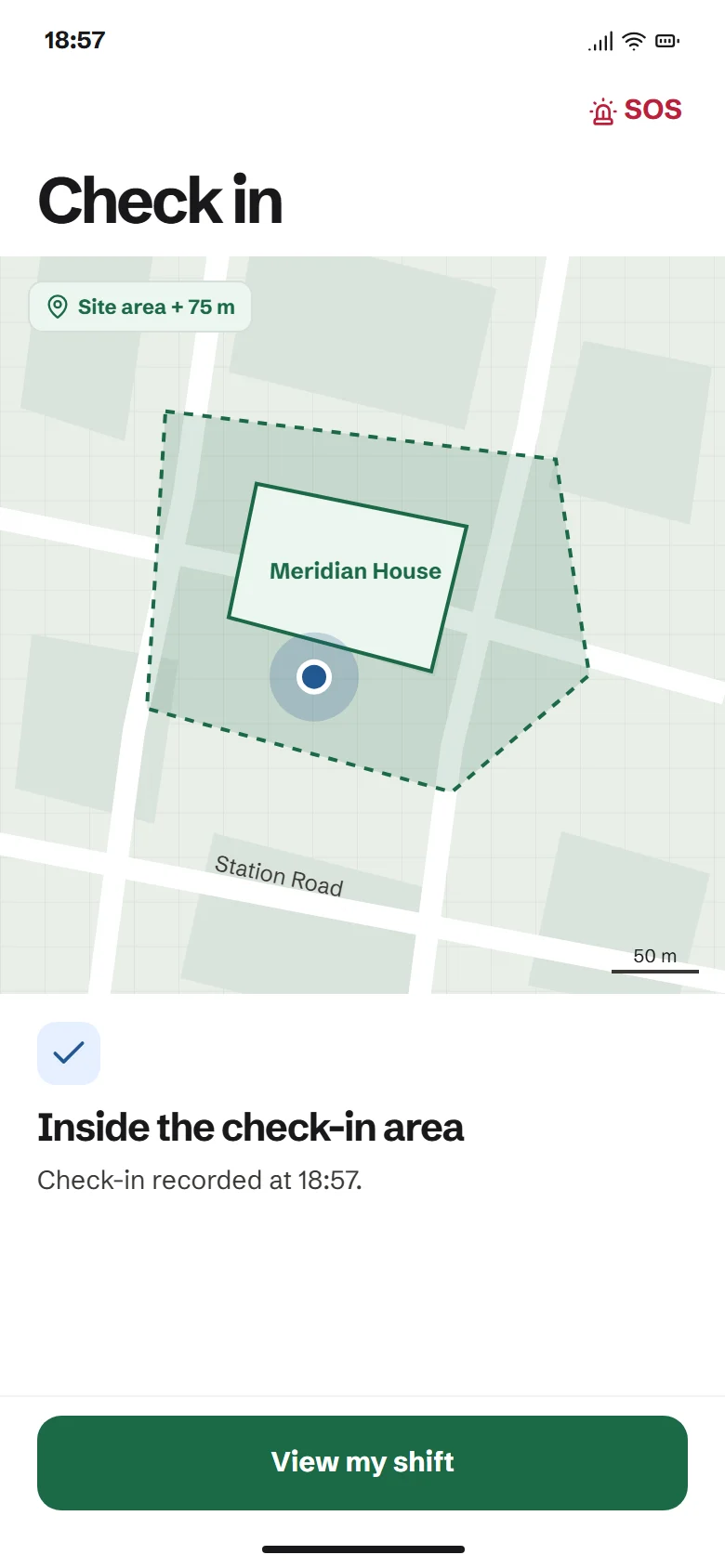
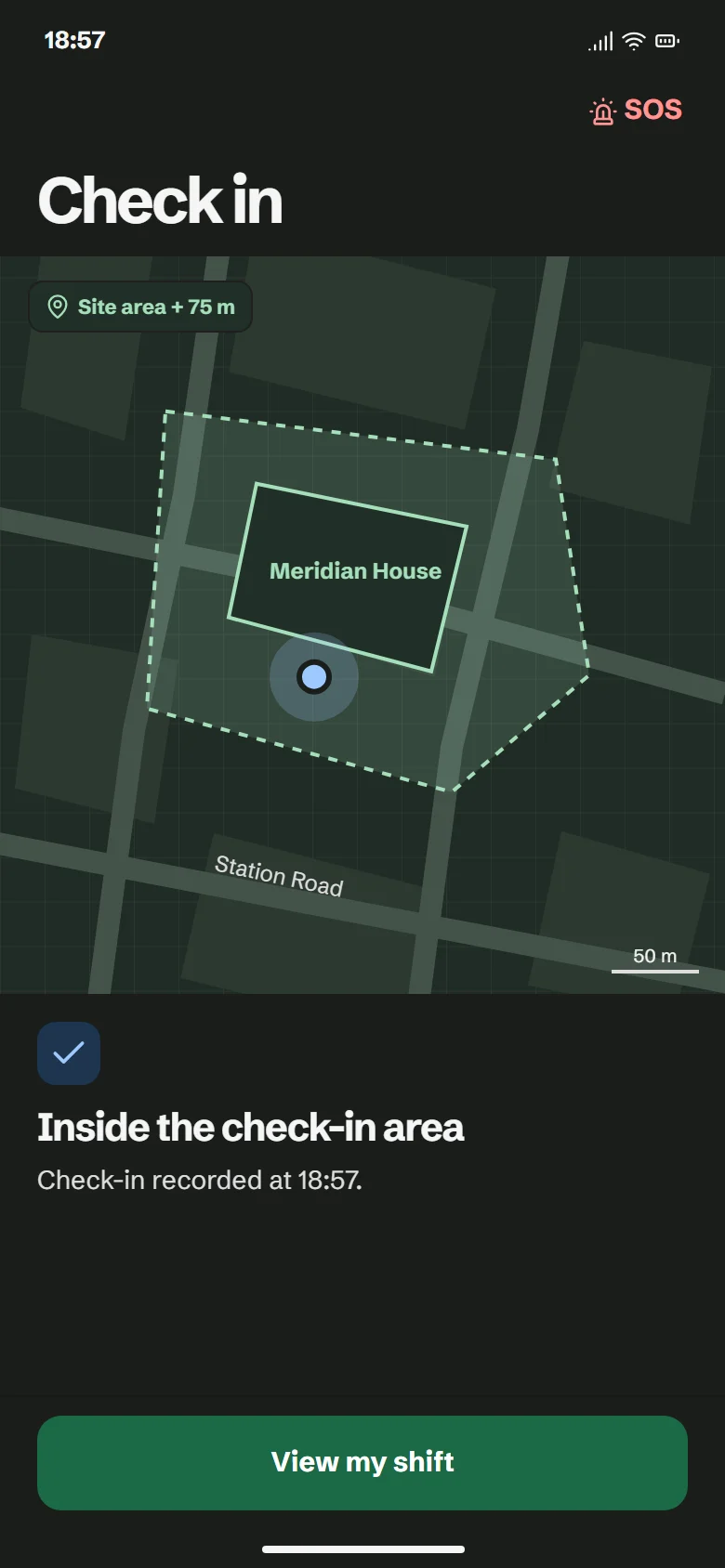
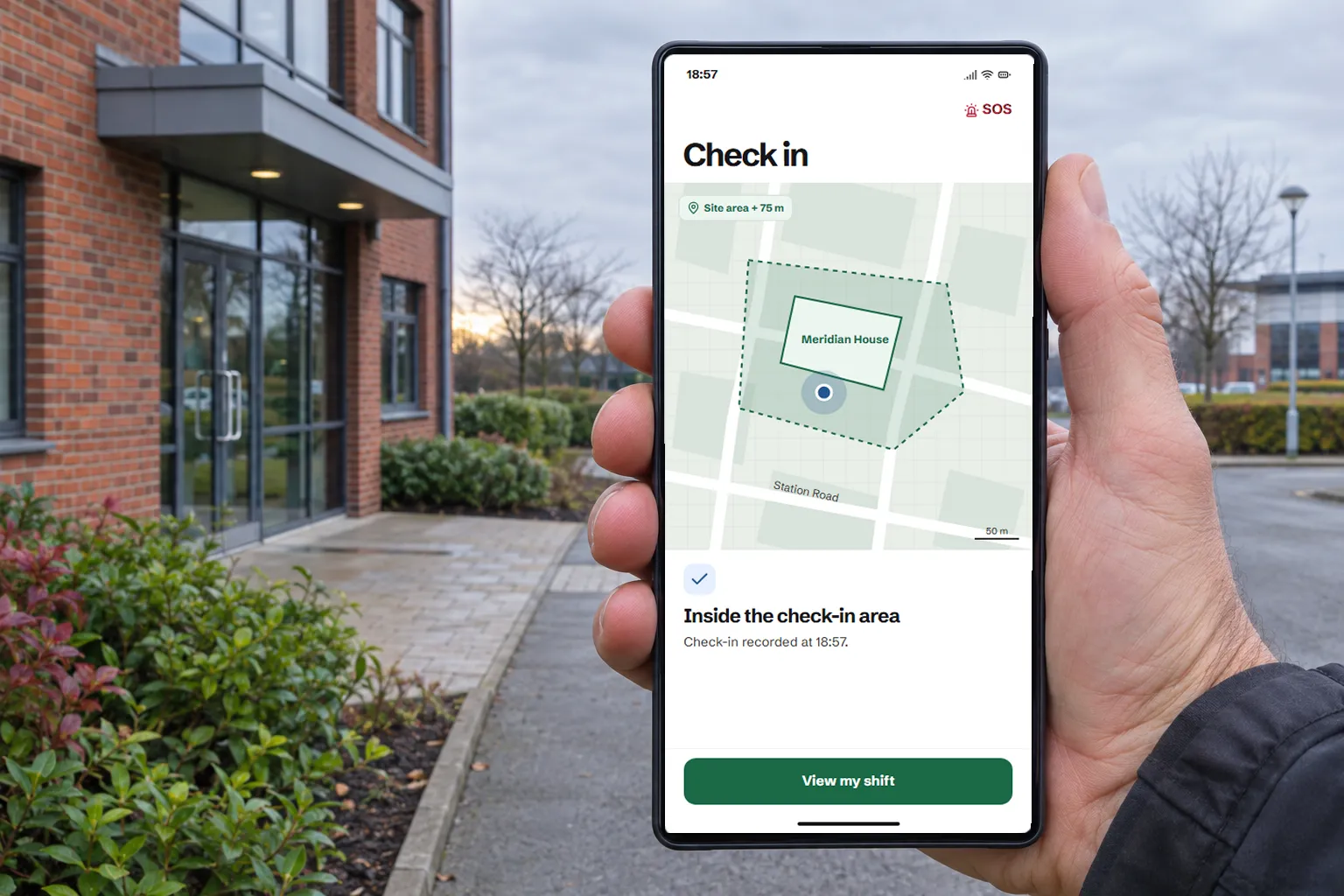
SiteSure records each check-in inside the site area, runs welfare checks through the shift and sends an SOS to your whole team at once. Clients approve the hours, so you invoice only what was agreed.
For security companies, care providers and other teams who send people to sites.
How it works
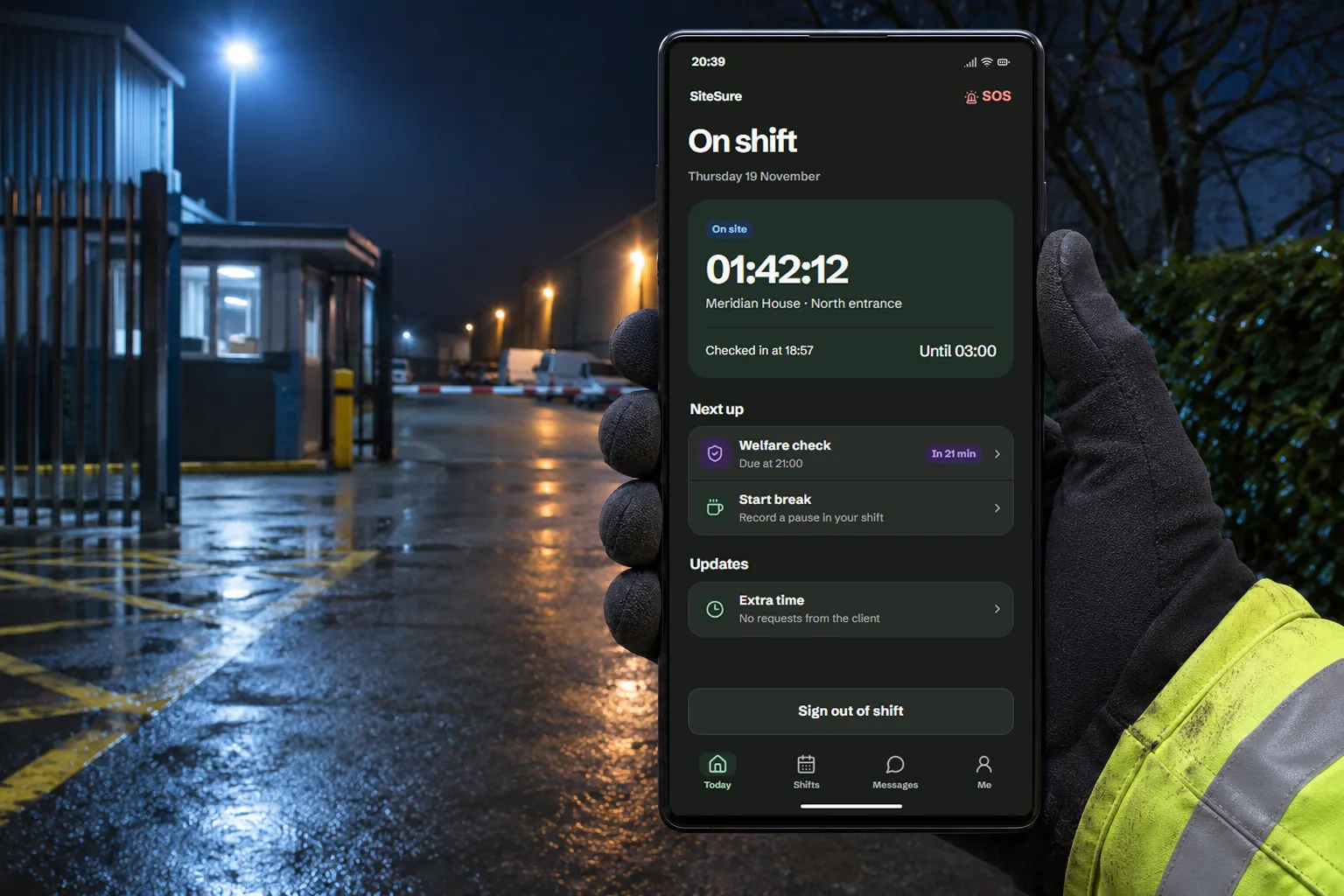
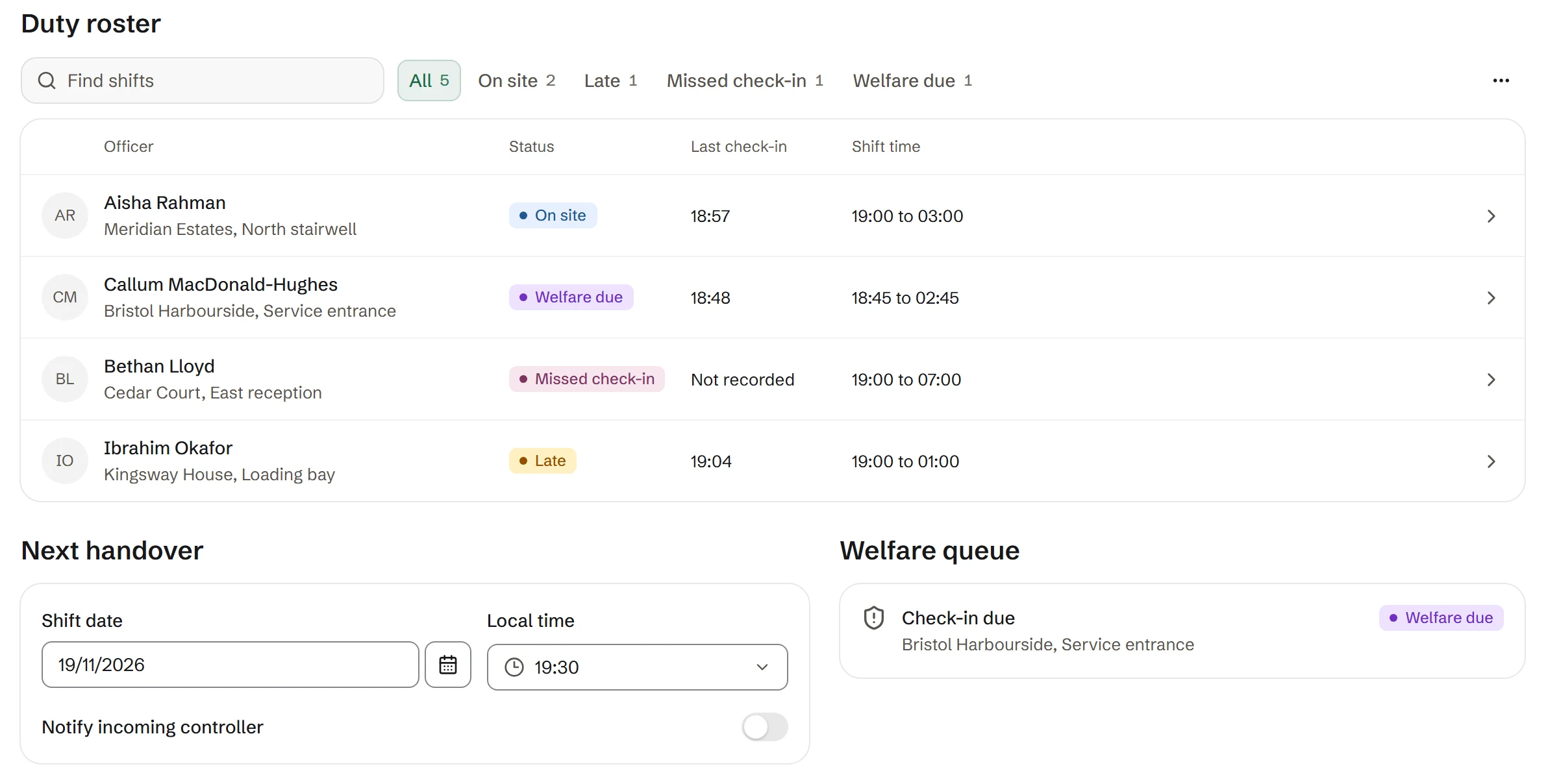
Three apps share one record of each shift: one for the worker, one for the client and one for the control room.
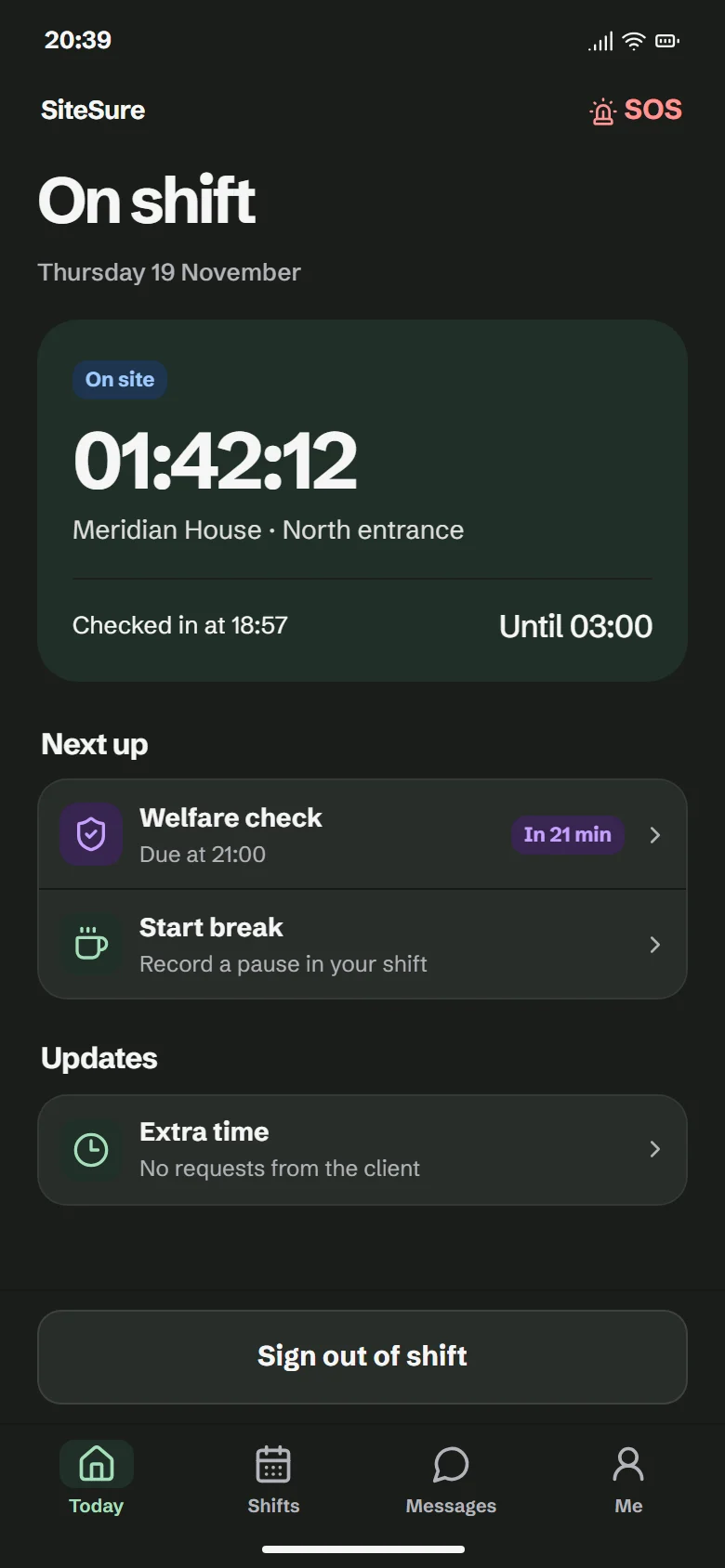
Workers use the SiteSure app on their own phone. It installs from the browser and asks for a four-digit PIN.
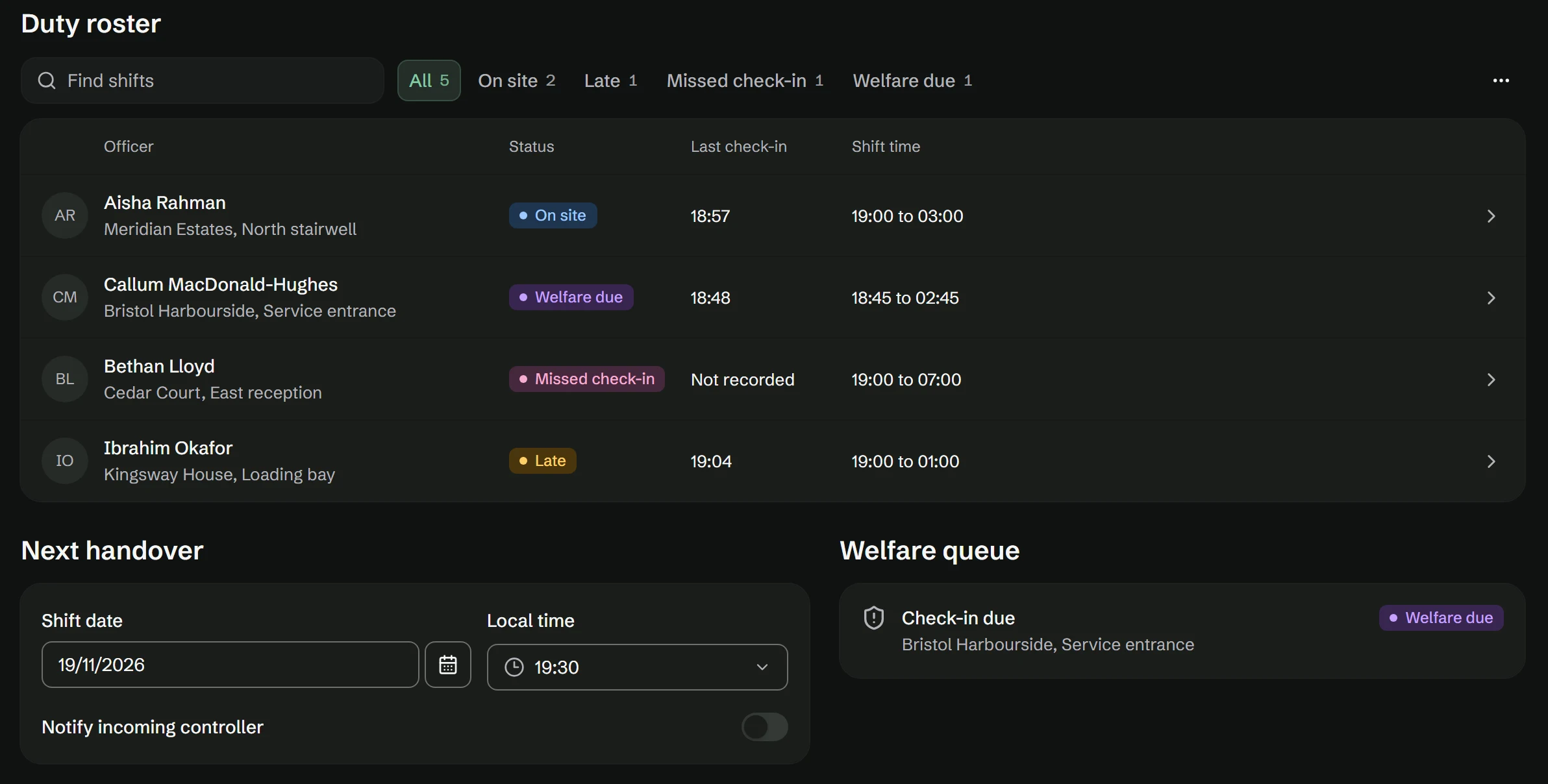
SOS and welfare checks
Built for people who work alone, at night or away from the rest of the team.
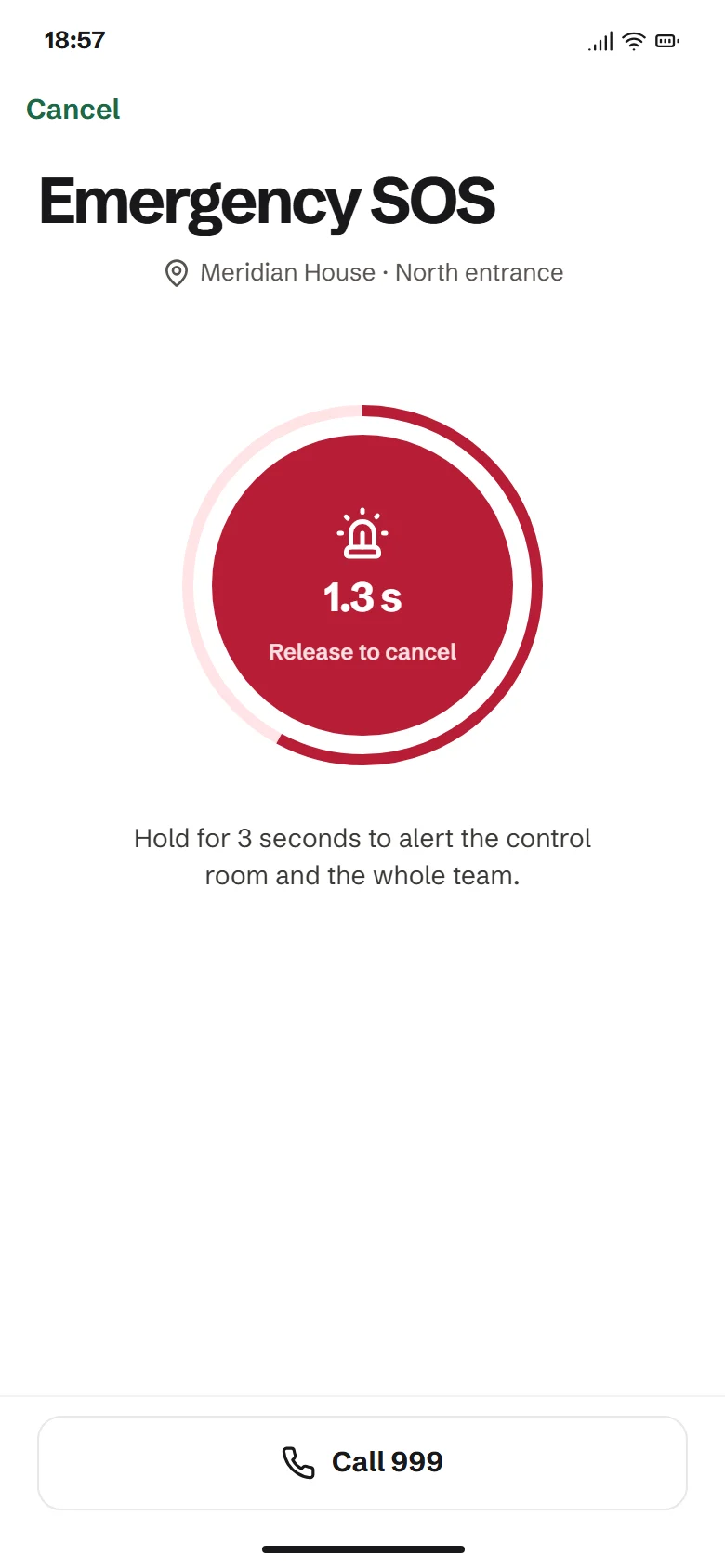
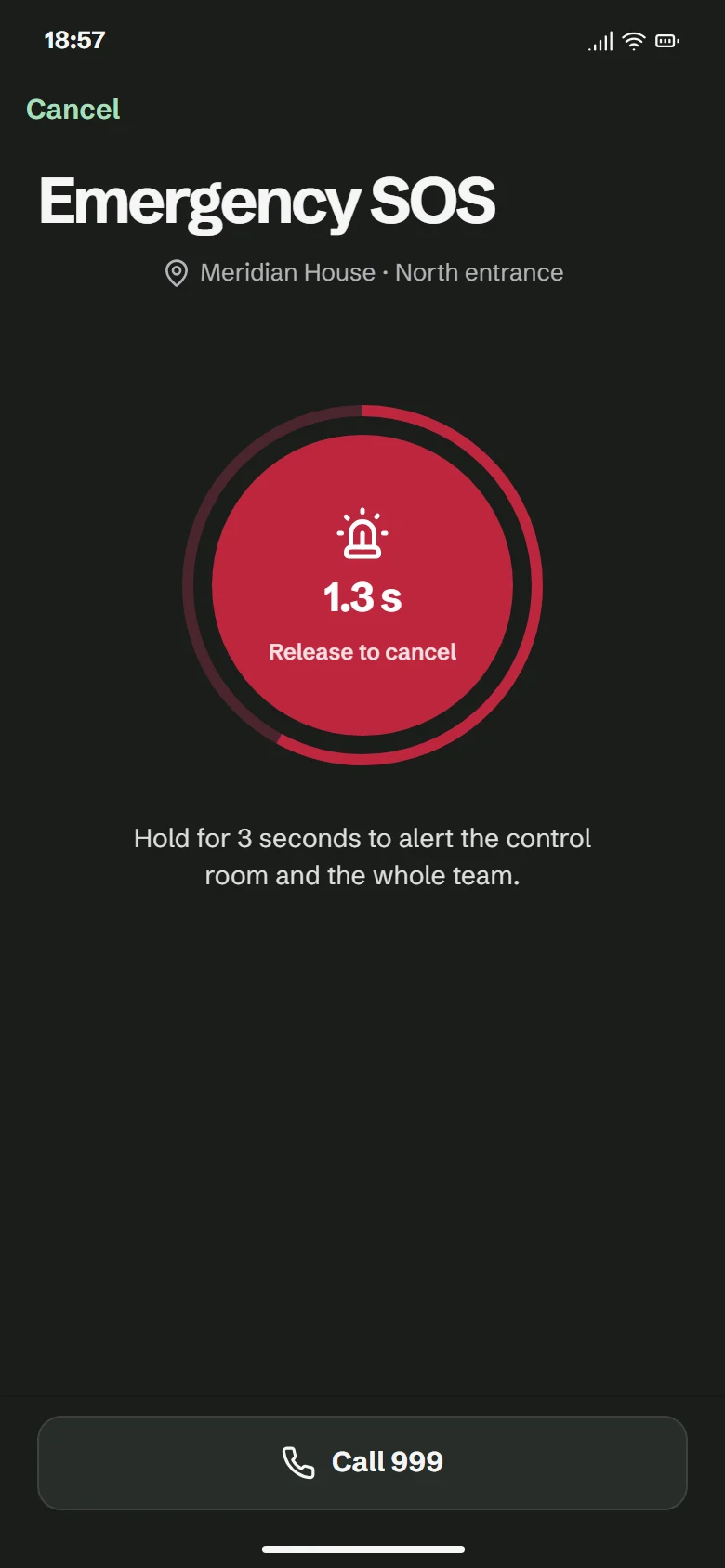
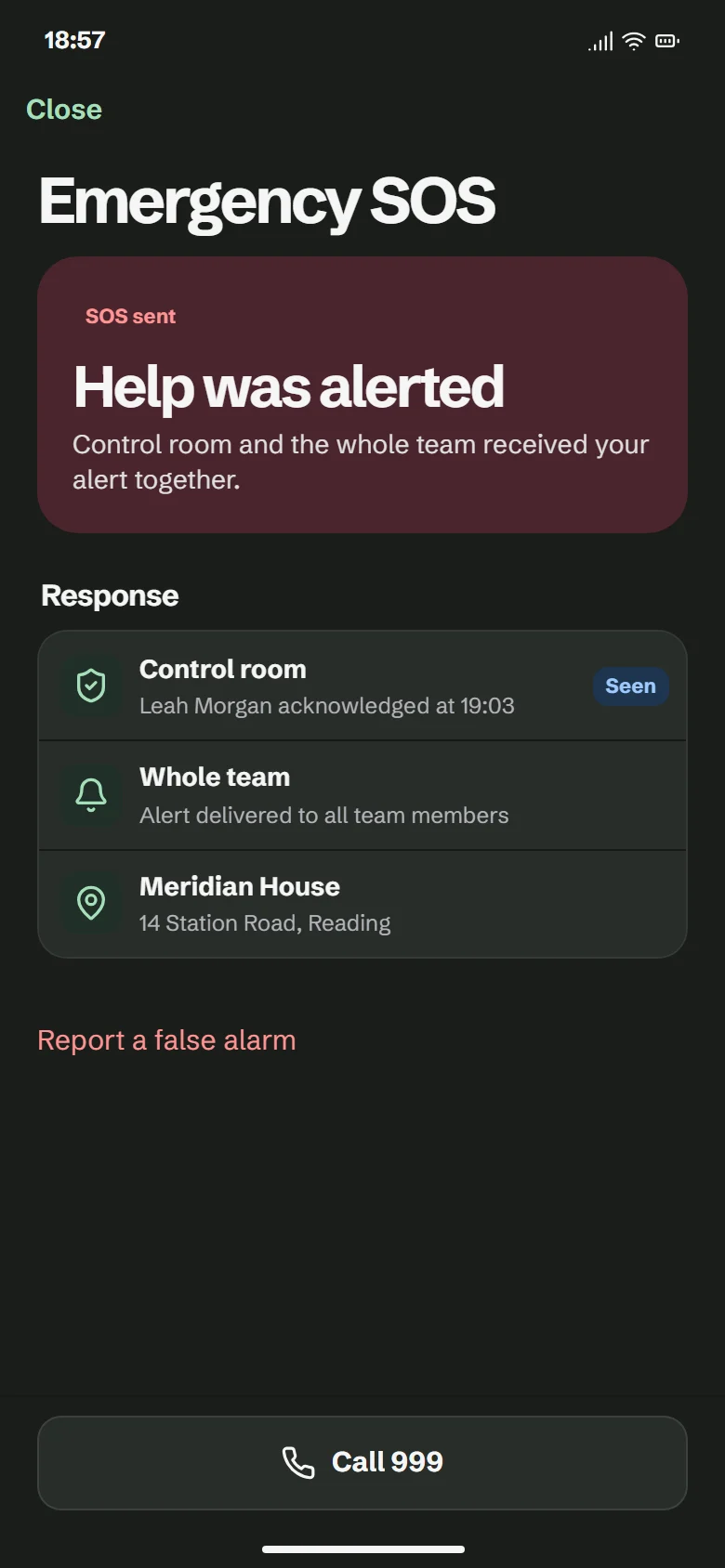
Hold for three seconds to send
The SOS sends when the worker has held the button for three seconds. Letting go before then cancels it.
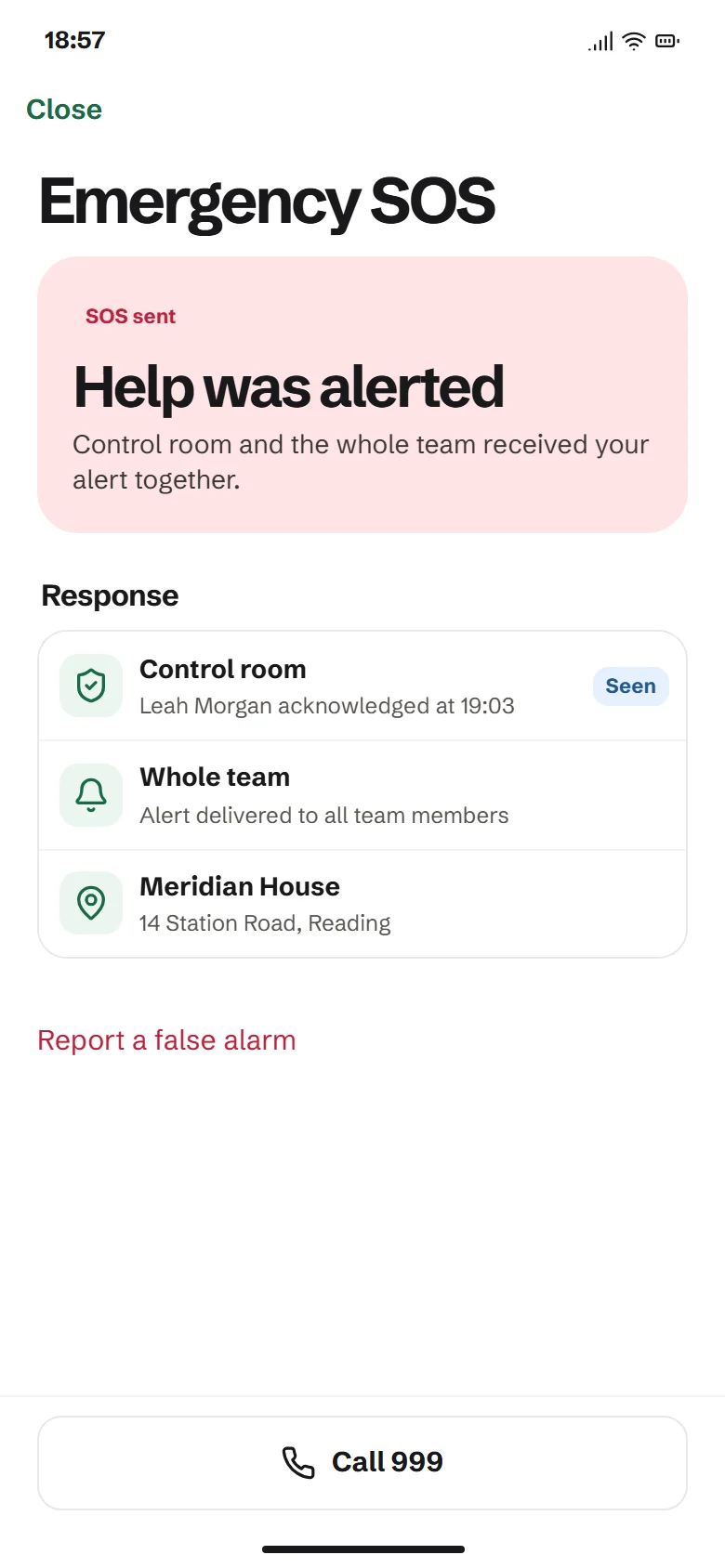
The whole team is alerted at once
The control room and every available team member get the alert at the same time. The worker sees who has acknowledged it.
SiteSure does not call 999
Your team handles the response. The worker can still call 999 from the SOS screen.
Welfare checks during the shift
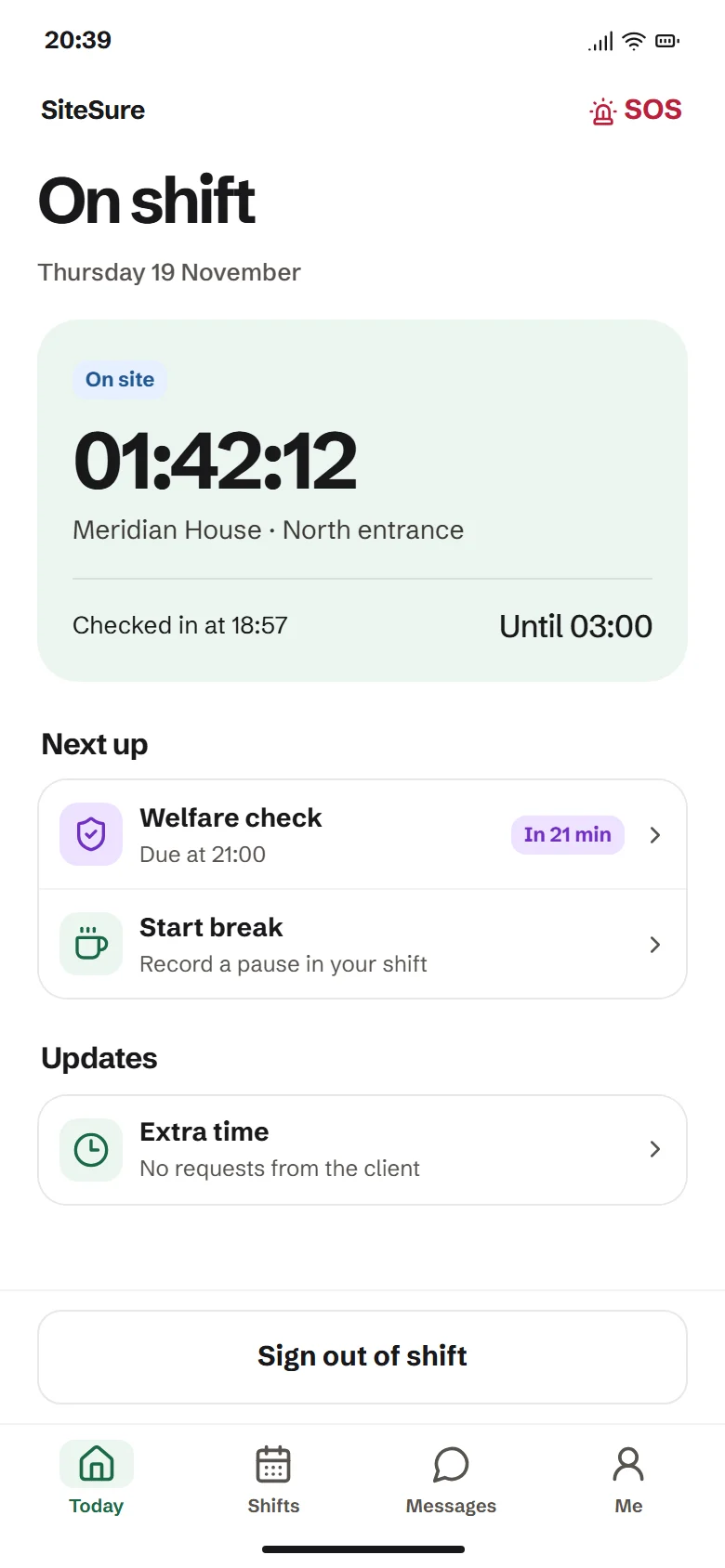
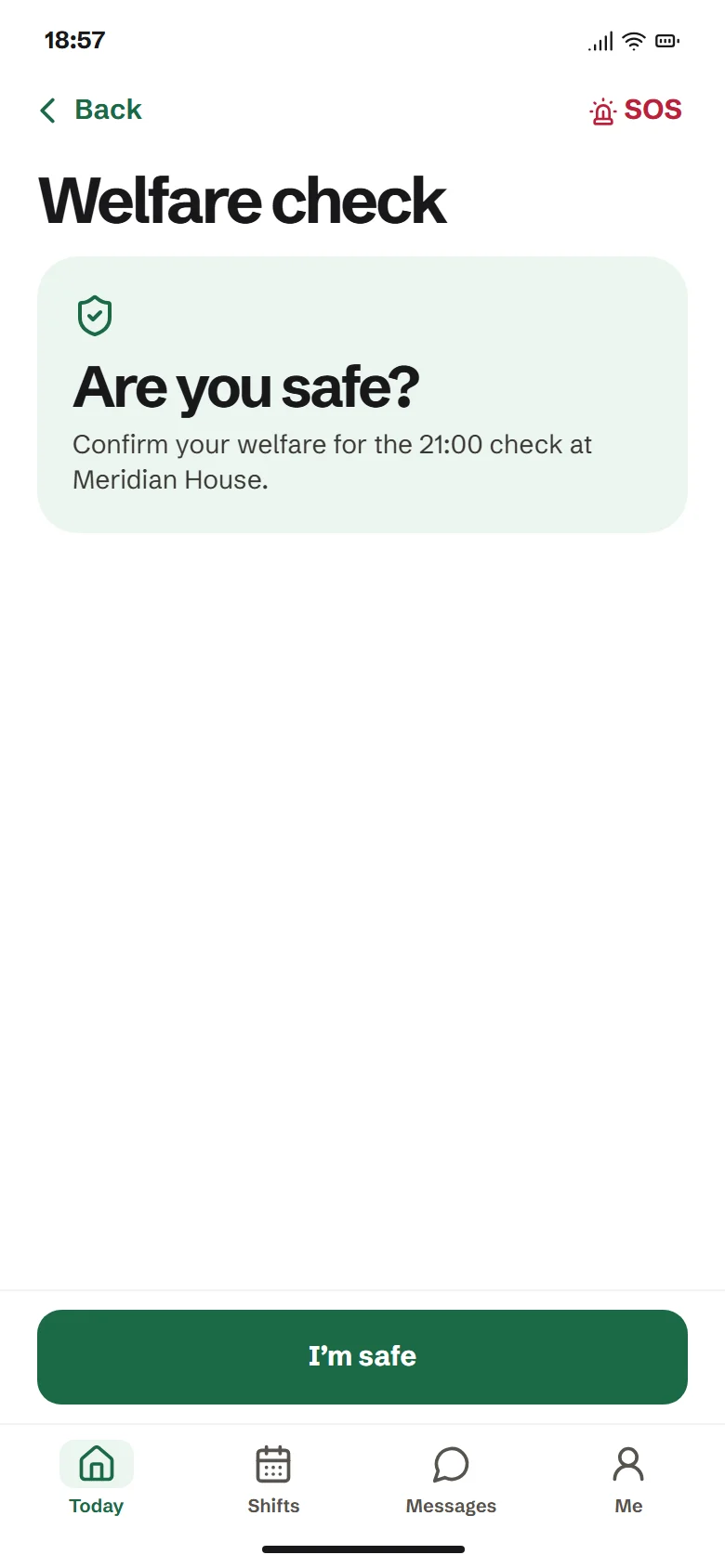
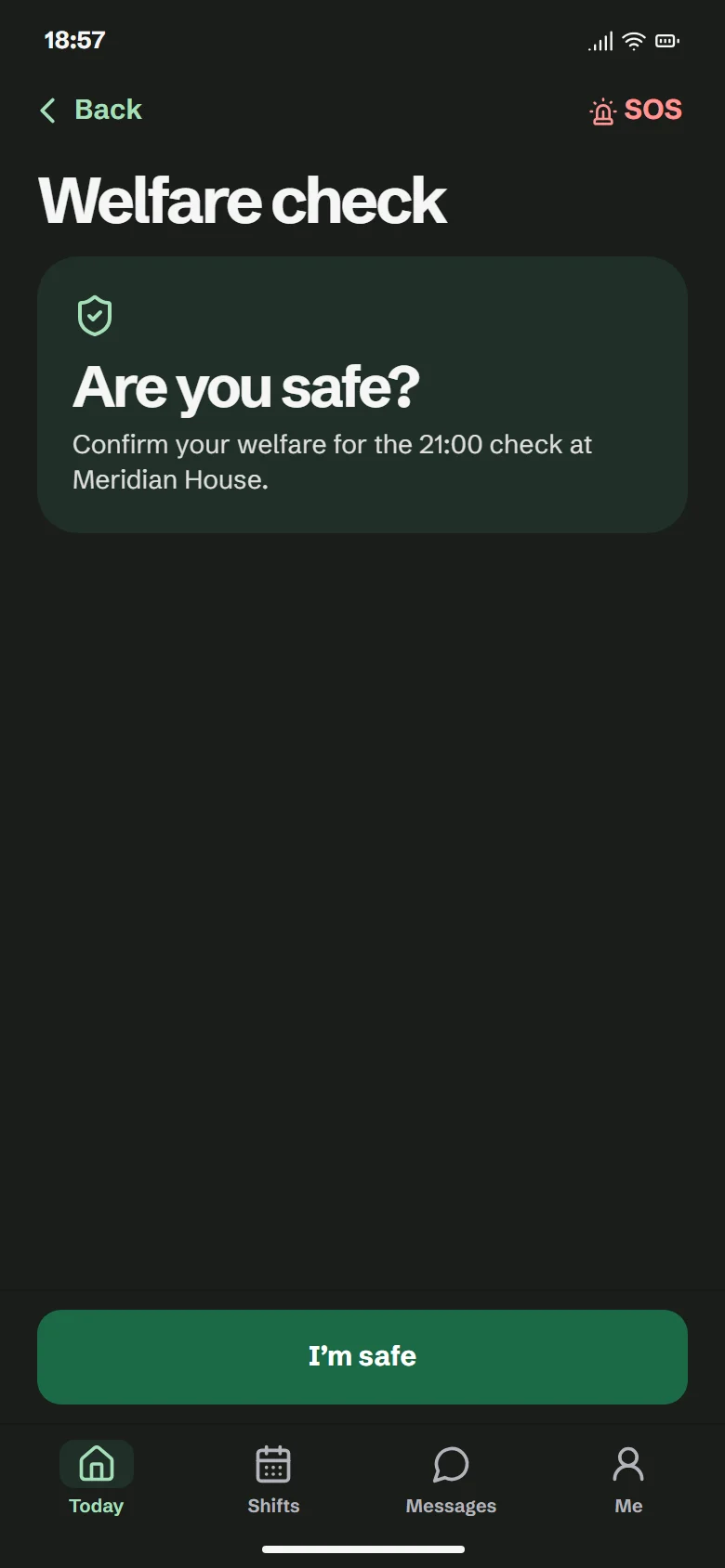
The worker confirms they are safe at set times. If they do not answer, the control room gets an alert.
Hours and invoices
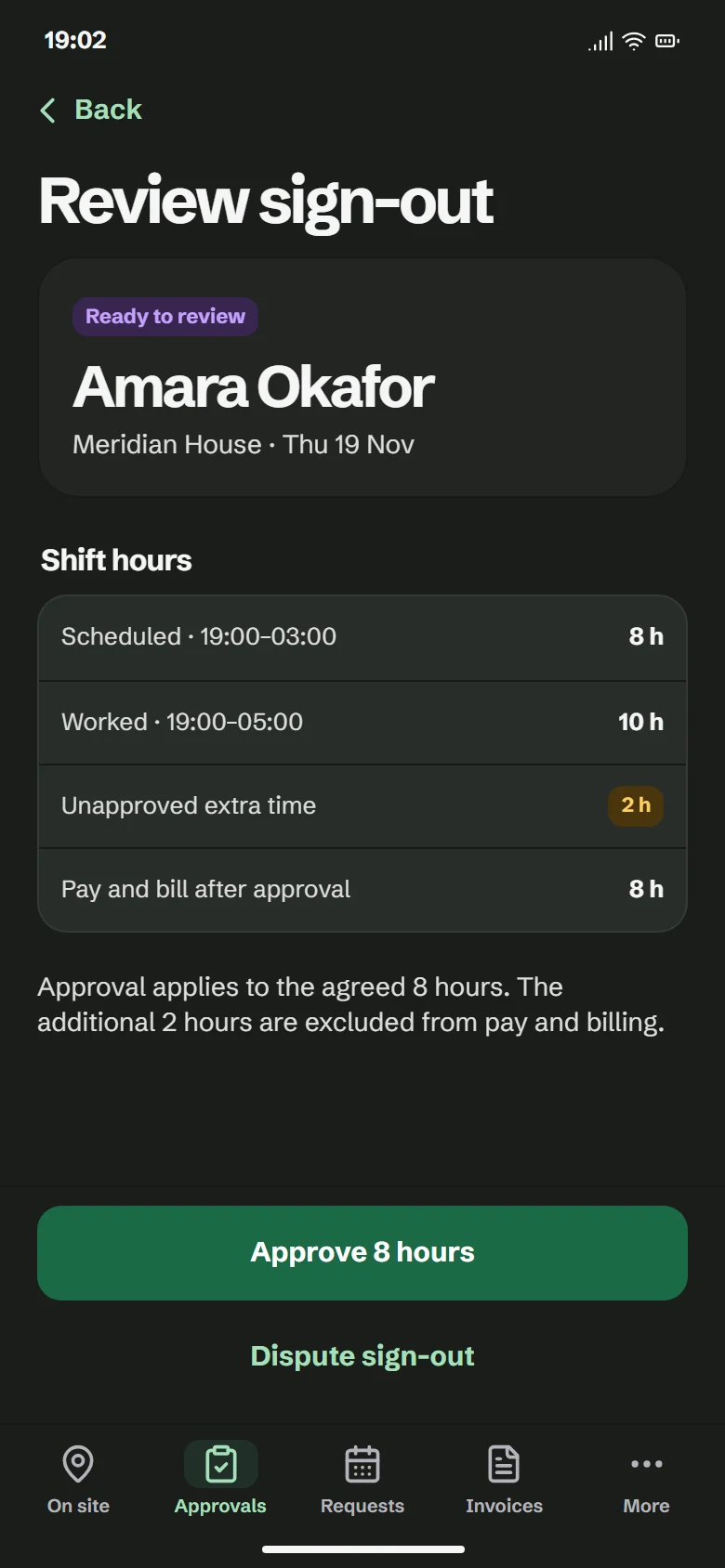
Workers are paid for, and clients are billed for, the hours that were agreed and approved.
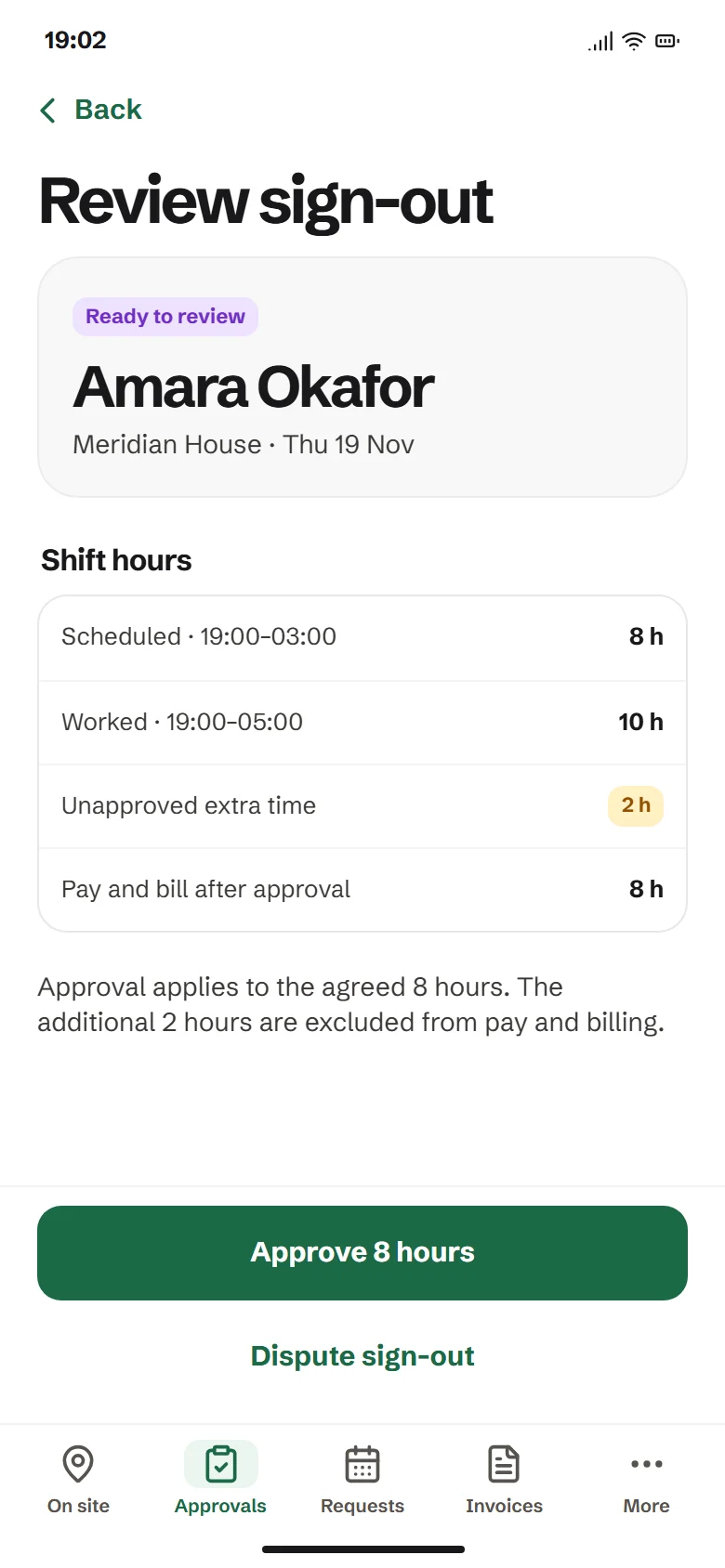
A booked 8-hour shift
- Scheduled
- 8 h
- Worked
- 10 h
- Extra time nobody agreed
- 2 h unapproved
- Paid and billed
- 8 h
If the client had asked for the extra 2 hours and the worker had accepted, all 10 would be paid and billed.
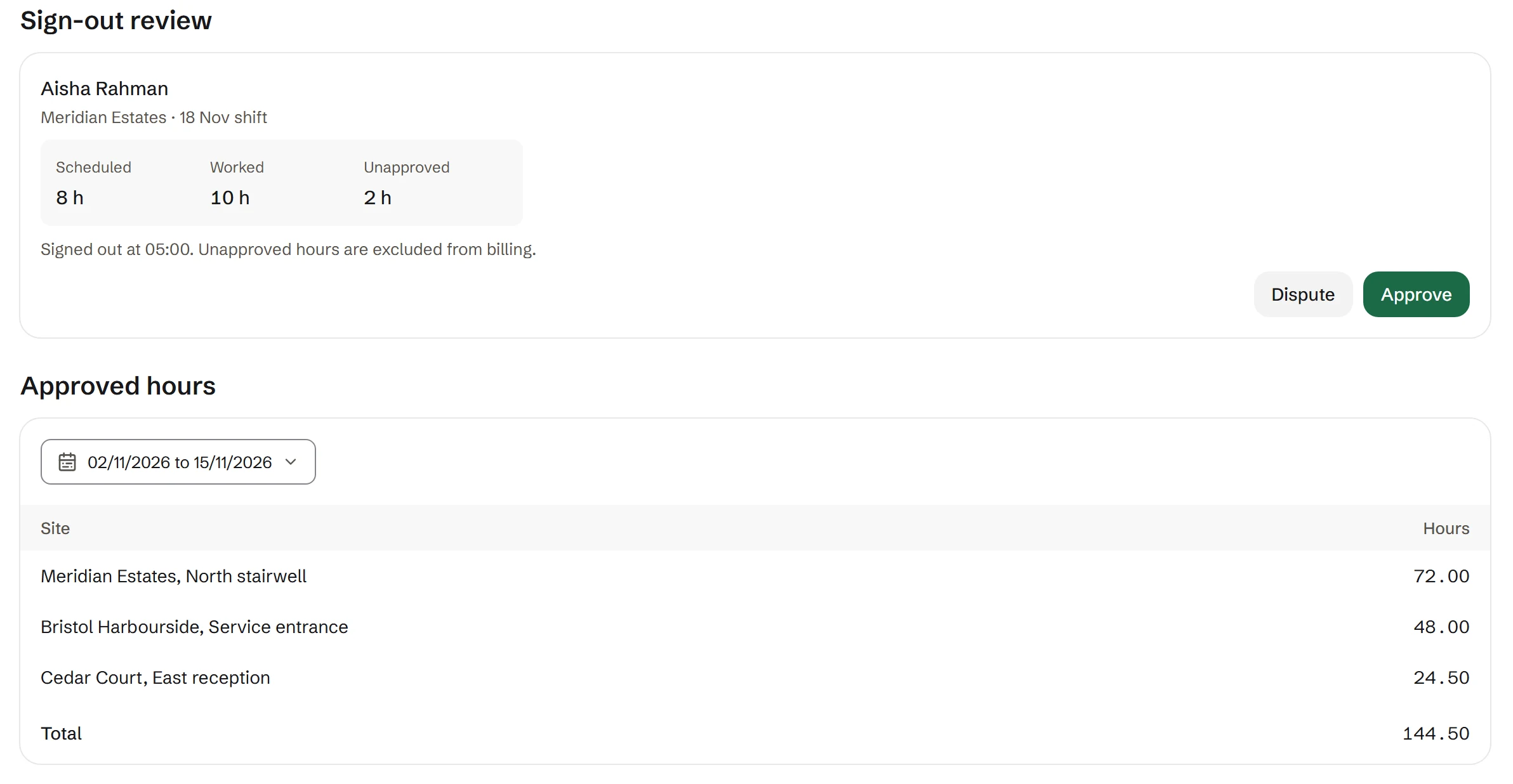
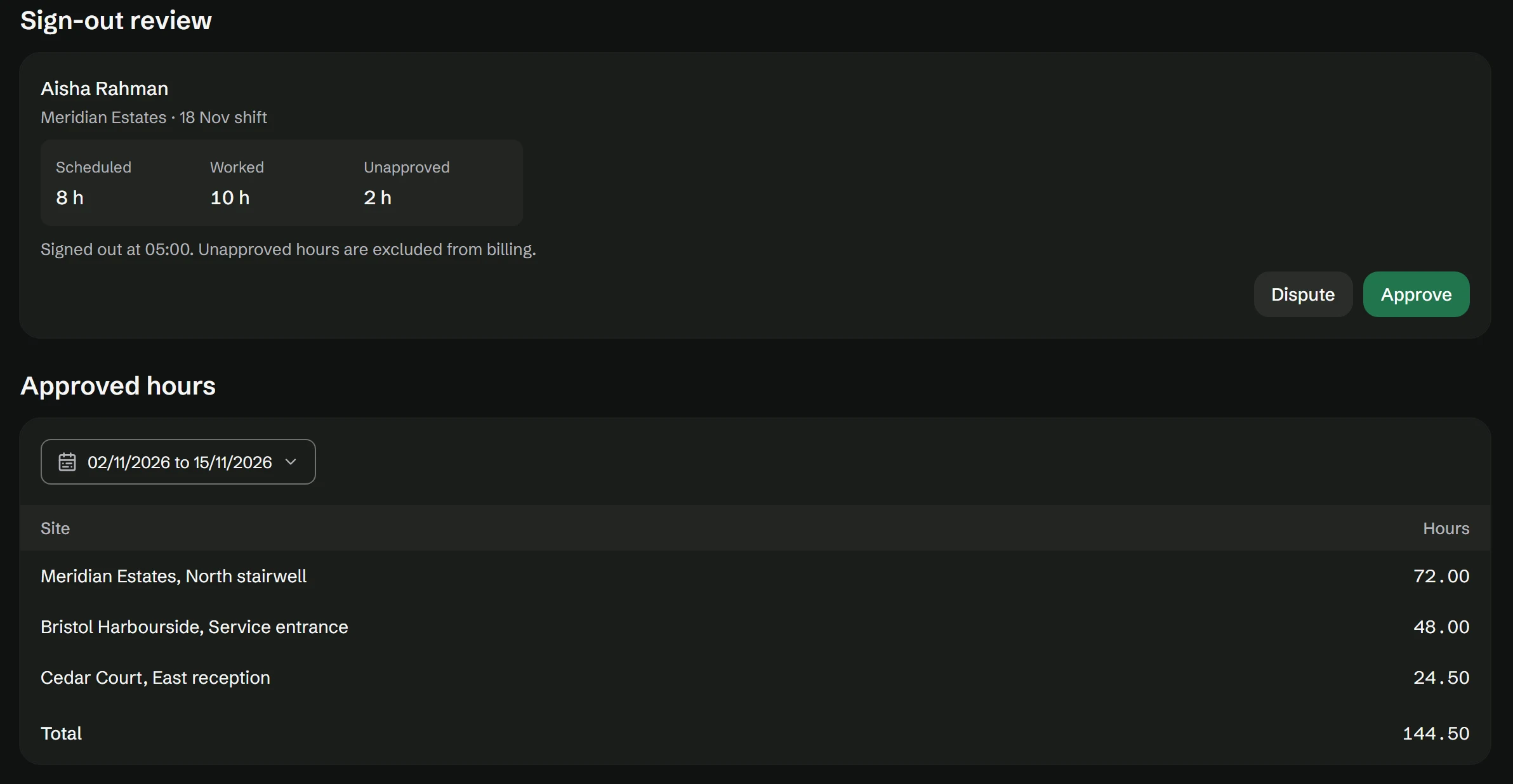
The client approves each sign-out
After each shift the client approves or disputes the hours. A dispute needs a note, and the control room resolves it.
Extra time is agreed before it counts
The client asks for extra time in the app and the worker accepts or declines. The control room is told, and nobody has to approve it at 2 in the morning.
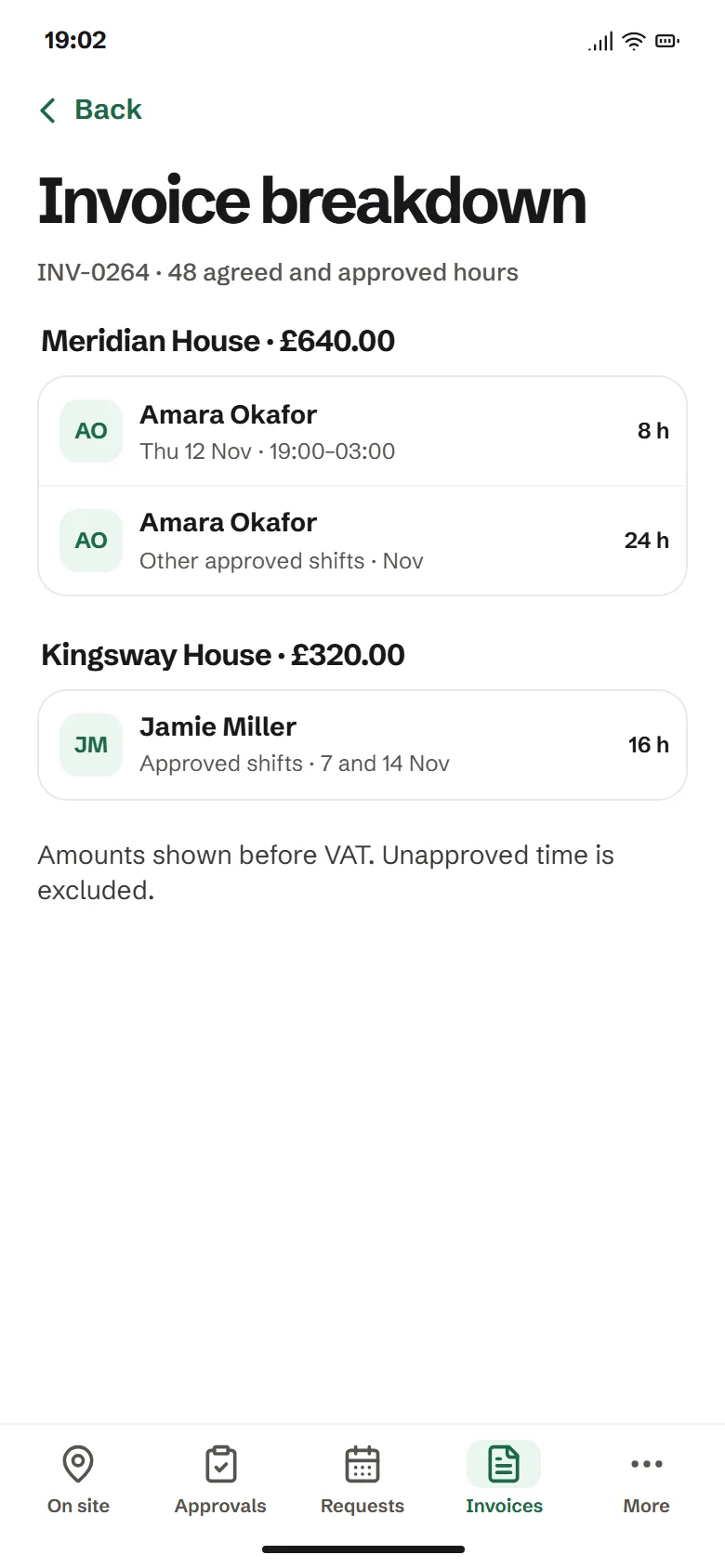
One invoice per billing period
The client picks weekly, fortnightly or monthly billing. Each invoice adds up every worker's approved hours with a breakdown by site.
Who it is for
Any company that sends people to work at a client's site, often alone.
Security companies
Guards check in at each site, and the control room follows every shift. SIA licence records and expiry dates can be switched on for your organisation.
Care providers
A carer visiting alone can raise an SOS if the person they look after falls, and the rest of the team is alerted together.
Other service providers
Cleaning, facilities and maintenance teams can use the same check-in, welfare and hours records.
Each company has its own workers, sites, clients and invoices. One company never sees another company's records. Every worker needs a smartphone.
Sign in
Each person signs in to the app for their role.
- Worker appFor people on shift. Sign in with your PIN.
- Client portalFor clients. See who is on site, approve hours and open invoices.
- Control roomFor admins and controllers. Run shifts, alerts and billing.
Install on a phone
SiteSure installs from the browser. There is no app store download.
- Open the worker app in Safari.
- Tap Share, then Add to Home Screen.
- Tap Add, then open SiteSure from your Home Screen and sign in.

Scan with the phone camera, or copy the link.
staging.officer.sitesure.workRegister your company
Tell us about your company and the first site you want to cover. It takes three short steps.
- Contact
- Site
- Review